
Product · CLI
OLKIL in your terminal.
Install once. Run olkil. Sign in with Google in the browser. Pick a project. The agent works from there — same account and plan as the desktop app.
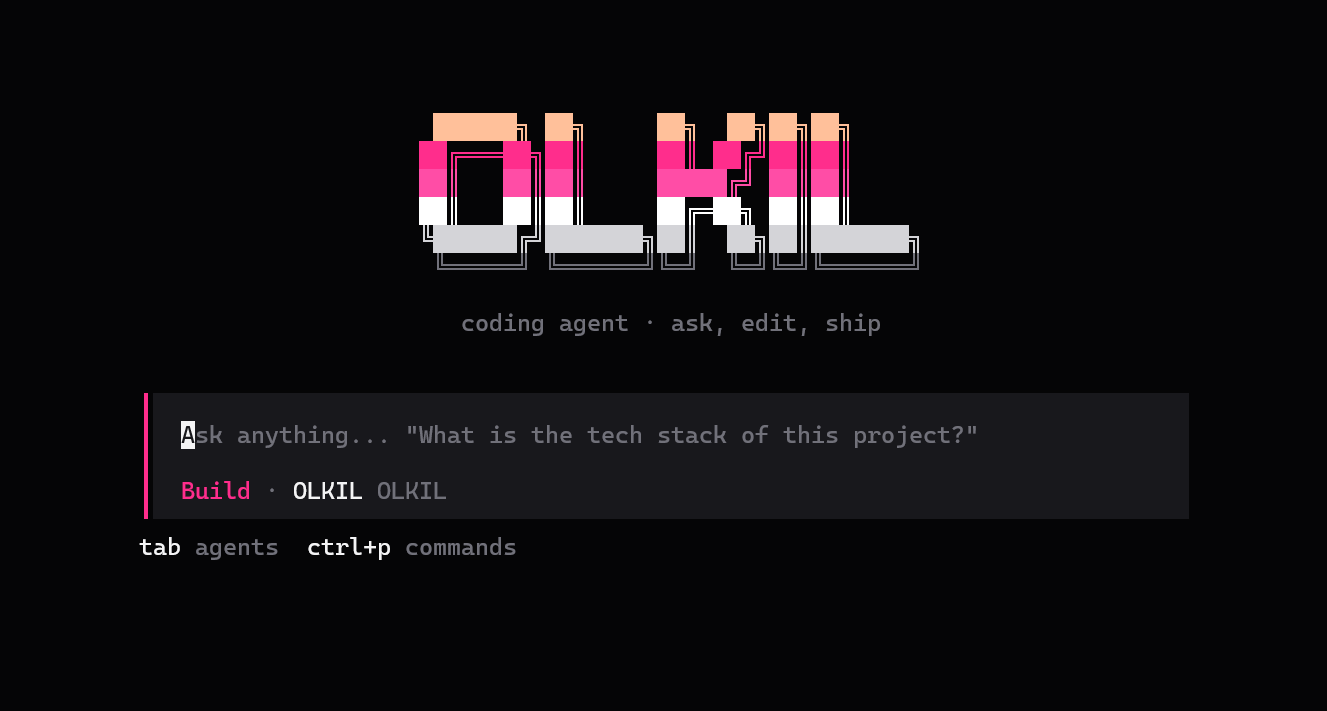
Same OLKIL agent as the desktop app — in your terminal.
PowerShell
irm https://olkil.com/downloads/cli/install.ps1 | iex
Terminal
curl -fsSL https://olkil.com/downloads/cli/install.sh | bash
Terminal
curl -fsSL https://olkil.com/downloads/cli/install.sh | bash
Needs Node.js 18+. After install, open a new terminal and run:
olkil
How it works
- Install One command in PowerShell or Terminal puts olkil on your PATH.
- Google sign-in The CLI opens olkil.com. Continue with Google. Your plan loads automatically.
- Trust a project Pick the folder you want the agent to work in — same idea as workspace trust in the desktop app.
- Ship from the terminal OLKIL runs in the foreground. Type a task and ship from the terminal.
Free (Dazzlone) uses local models. Lite, Pro, and Ultra unlock cloud agents with the same quota as the IDE.